 10001
10001192.168.254.254 – Login Admin
192.168.254.254 is a private gateway address — in the Philippines it belongs to Globe At Home: it is the admin door of Globe fiber and Home Prepaid modems, and of nothing else on a PH home network. Open it in the address bar while connected to the Globe WiFi and sign in with the basic account, user / @l03e1t3, for the everyday panel; full admin is unit-specific — printed on the modem’s sticker or derived from its MAC address. Two traps surround this address: password farms claim Globe’s default is admin / admin (it is not, for fiber), and the typed form 192.168 l 254.254 with spaces is a search term, not an address — the browser needs the dots.
Open 192.168.254.254 in your browser’s address bar while connected to the modem: in the Philippines this is Globe At Home’s door — sign in with user / @l03e1t3 for the basic panel, and check the sticker for full admin.
The button opens the address in a new tab. It works only while you are connected to that modem — nothing here detects or guesses your network.
Typed it with spaces, or a group looks off?
Paste what you typed — the space form of this address is searched 60,000 times a month in the Philippines alone, and this checker knows all its shapes.
Whose Door Is 192.168.254.254?
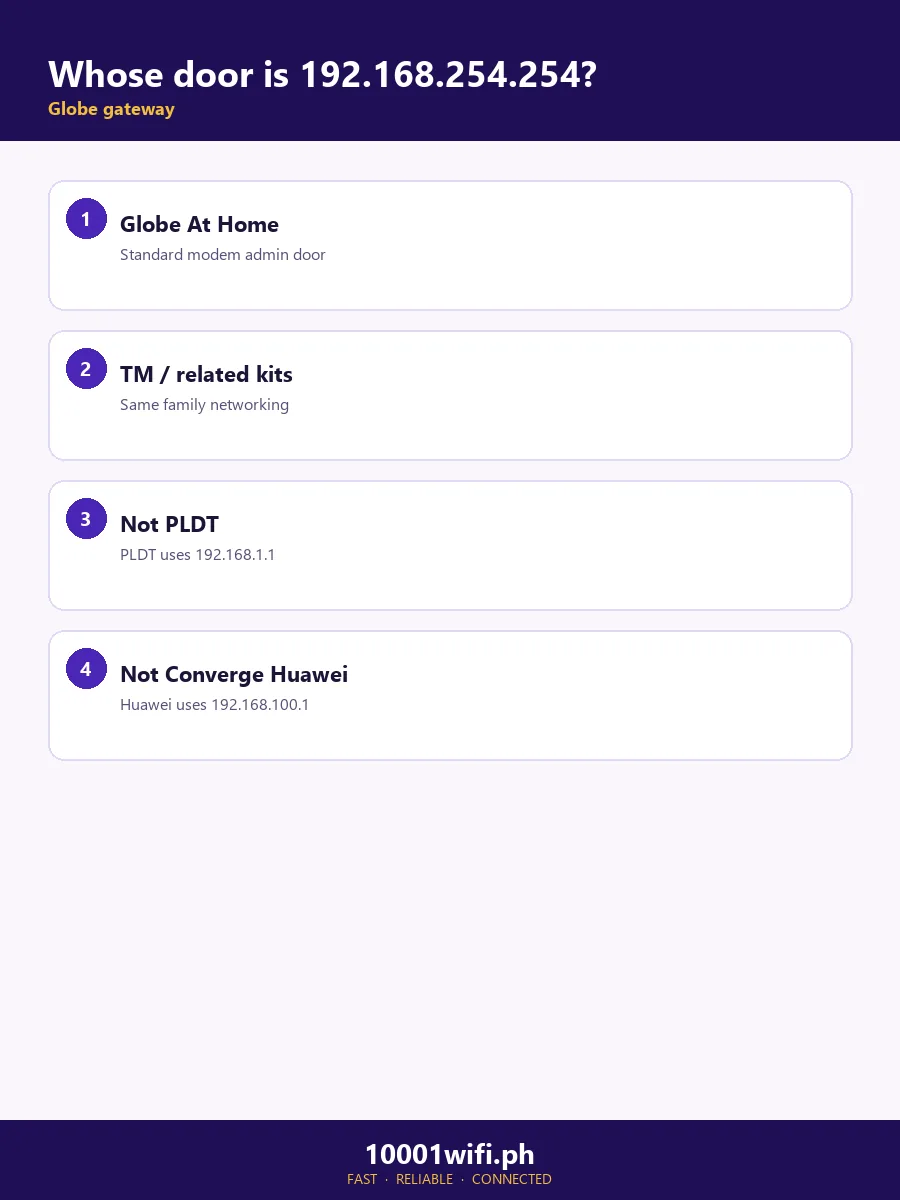
In the Philippines: Globe’s. Both Globe families live at this address:
| Your Globe service | Door | First sign-in | Full guide |
|---|---|---|---|
| Globe At Home fiber (Huawei / FiberHome / ZTE modem) | 192.168.254.254 | user / @l03e1t3 (basic panel) | Globe admin login |
| Globe Home Prepaid WiFi (ZLT and other units) | 192.168.254.254 | The pair on the unit’s sticker | Change Globe WiFi password |
| Another Globe unit (some LTE devices) | Varies — several Huawei LTE units use 192.168.8.1 | Sticker pair | The gateway lookup below settles it |
Outside the Philippines, the same address belongs to a different crowd — real, but not this page’s lead:
| Device | Where | First sign-in |
|---|---|---|
| Actiontec T3200 / T3260 / T3280 gateways | Frontier, Windstream (Kinetic), Ziply Fiber (US) | admin + the password on the device sticker (older firmware: admin / admin) |
| Siemens SpeedStream | Legacy DSL installs | Varies by firmware — sticker first |
| Some Sagemcom gateways | Various ISPs | Usually admin / admin — sticker first |
How to Log In to 192.168.254.254
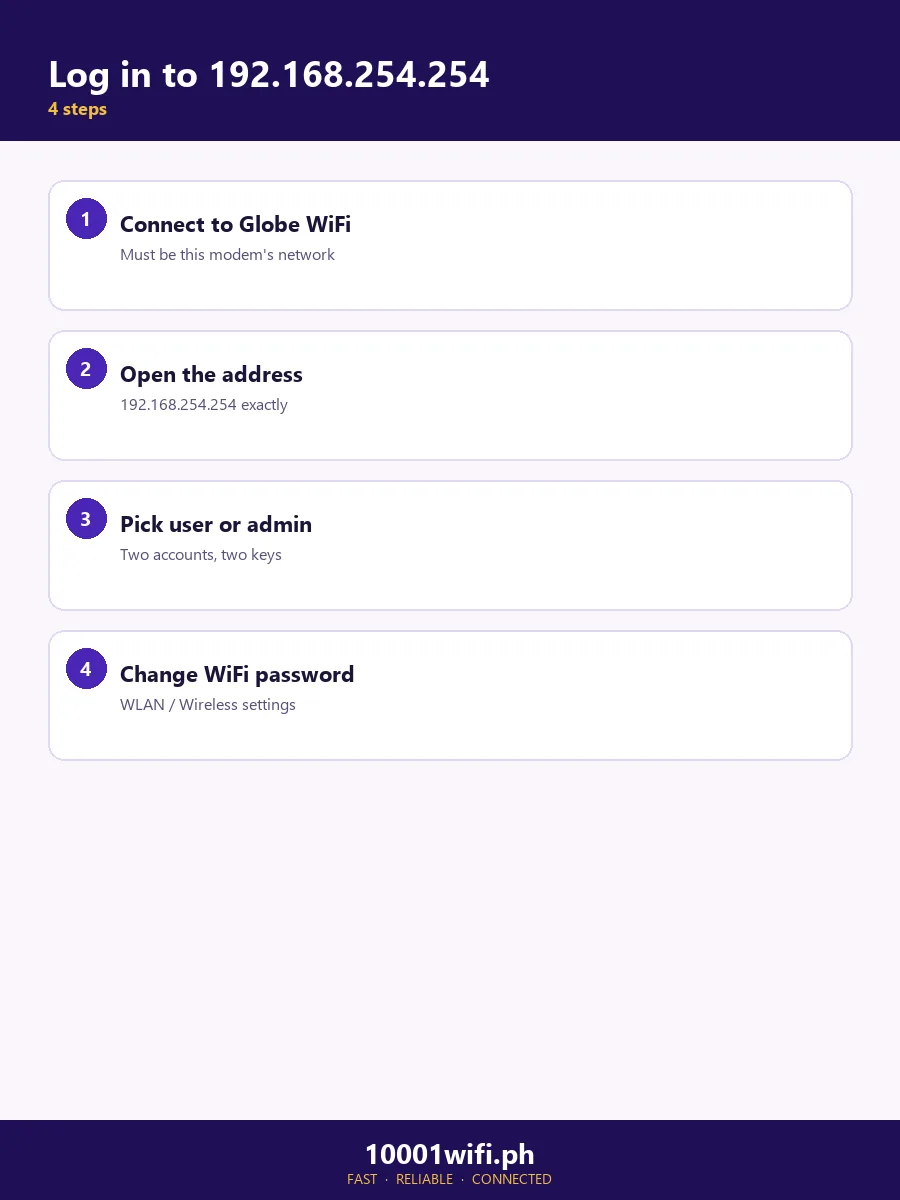
Connect to the Globe modem
Join its WiFi or plug into a LAN port. The panel answers only from inside the network — if your phone is on mobile data or a neighbour’s WiFi, you’re knocking from outside.
Type http://192.168.254.254
In the address bar, not a search box — and no spaces: the address is digits and dots only. If the browser shows a “Not secure” warning, that’s expected for a local http panel; proceed and the login appears.
Sign in at the right level
For WiFi settings and most everyday jobs, the basic login — user / @l03e1t3 — is enough. Full admin is a separate, unit-specific login explained in the next section. Prepaid units: use the sticker pair.
You’re in
Changing the WiFi name and password — the job most people came for — is walked through in the Globe WiFi password guide; the rest of the panel is mapped below.
The Globe Login: Two Levels
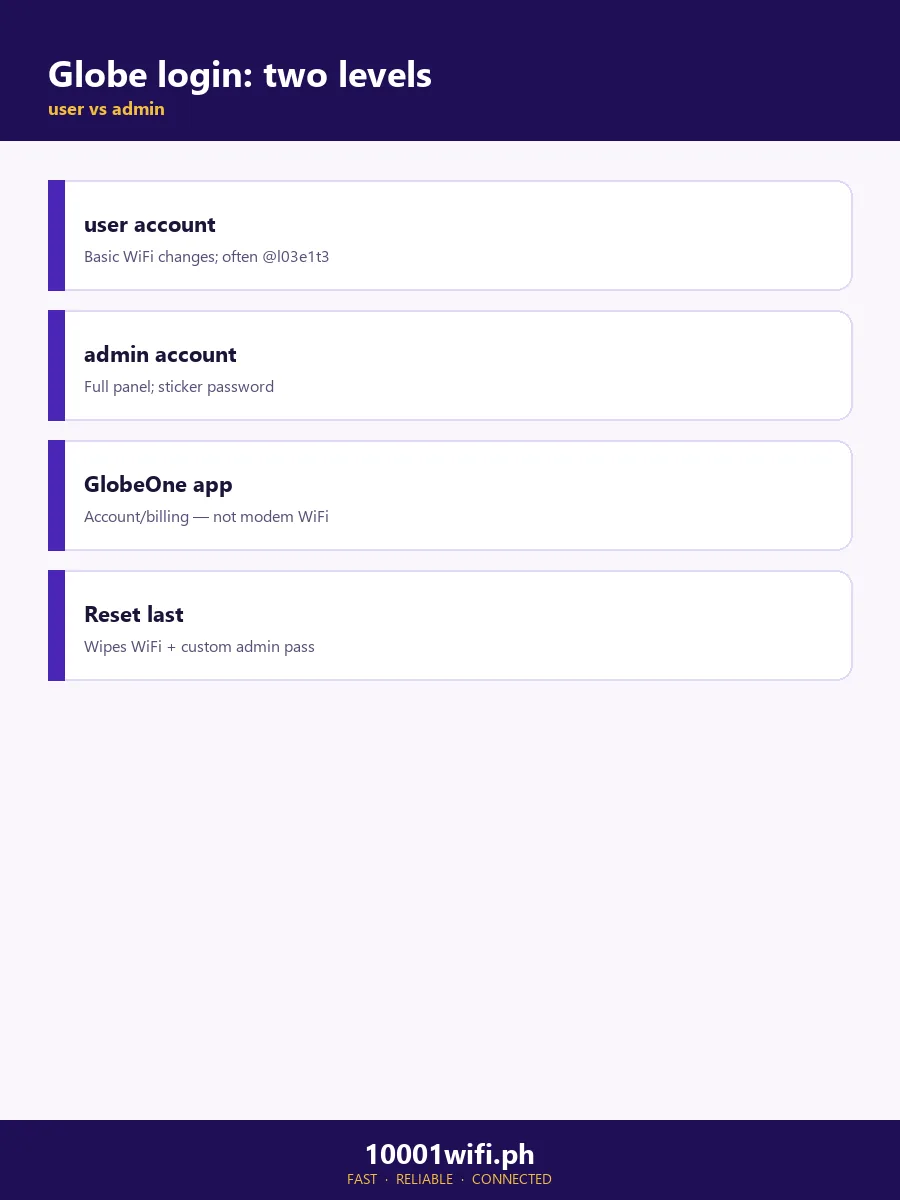
Globe modems have two logins, and mixing them up is why most “wrong password” stories happen:
- Basic (user level): username user, password @l03e1t3 — read it carefully: lowercase L, digit 0 (not the letter O), digit 3. On FiberHome-built units the basic password is instead tattoo@home. This level opens the panel and the WiFi settings.
- Full admin: different for every unit. First place: the sticker. On many Huawei units it is derived from the unit’s MAC address (for example Globe@ + the last 4 MAC digits on the HG8145X6-10). The full method — including the worn-sticker route — is taught step by step on the Globe admin login page.
192.168.254.254 Won’t Open
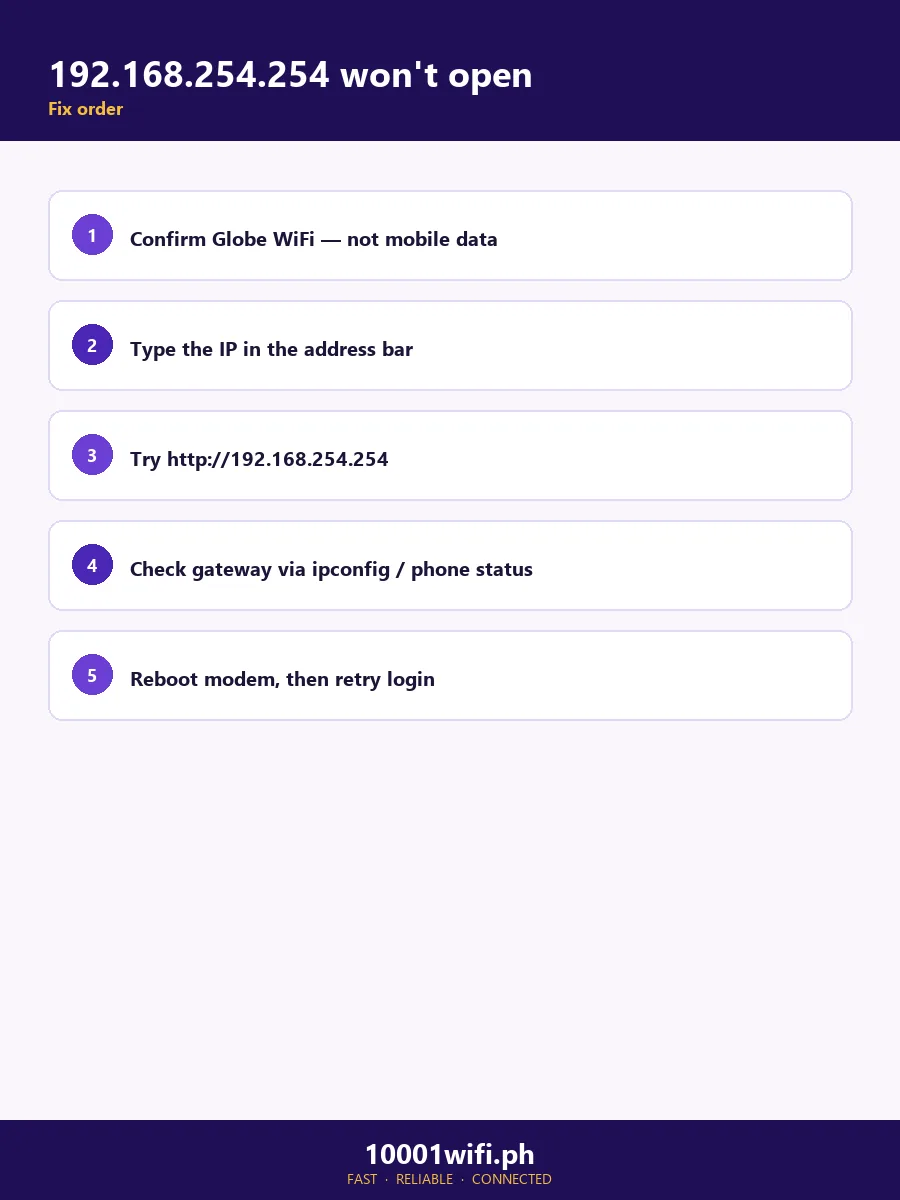
In check order:
- You’re not on the Globe network. Mobile data, a VPN, or another WiFi — the door only answers from inside.
- You searched it, spaces and all. Results pages mean the search box got it. The address has no spaces and no letters: retype 192.168.254.254 in the address bar, or use the checker above to clean up what you typed.
- A digit is wrong. The traps, in order of how often they’re typed: a missing group (192.168.254 — the full address repeats the 254), swapped groups (192.168.1.254 is a different address), and impossible groups (192.268.254.254 — no group can exceed 255).
- The browser is pushing https. Globe panels speak http. Type the full http://192.168.254.254 and proceed past any “Not secure” warning.
- The LOS light is red. Then your problem is not the login — LOS means the modem hears no signal from the fiber line. The panel usually still opens (it’s on your home network), and it can confirm the modem is alive, but no password or setting fixes a line fault. That’s a Globe support job: 211 from a Globe line, or (02) 7730-1000.
- The panel itself won’t answer. Restart the modem (power, 30 seconds, on) and retry once, wired if you can. If the login page stays dead while the internet works, note it for support rather than resetting — see below.
Find Your Router’s Real Address
- Windows: Command Prompt →
ipconfig→ Default Gateway. - Mac: System Settings → Wi-Fi → Details on your network → TCP/IP → Router.
- iPhone: Settings → Wi-Fi → ⓘ beside your network → Router.
- Android: Settings → Wi-Fi → your network’s details → Gateway/Router. On many Android builds, viewing the network’s IP settings as Static reveals the Gateway field directly.
- Linux: Terminal →
ip route→ the address after default via.
Or use the tools: the Gateway Finder walks your device to the number, and the Credential Finder matches your model to its documented sign-in.
Inside the Panel: What You Can Change
| Job | Where it lives | Notes |
|---|---|---|
| WiFi name & password | Advanced → WiFi Security Settings (fiber) | Full walkthrough: change Globe WiFi password |
| Who’s on your WiFi | Status → connected devices / user devices | Unknown names here are why most people log in |
| 2.4GHz vs 5GHz bands | WiFi / WLAN settings | Change both bands’ passwords, or they’ll drift apart |
| The admin password | Management / account settings | Do it from the full-admin level, and note it somewhere safe |
| Guest network | WiFi settings, on units that offer it | Varies by model — not every Globe panel has it |
| Firmware | — | Nothing to download: Globe pushes firmware to its modems itself. Anyone offering you a “Globe firmware file” is not Globe |
| GlobeOne app | Your phone | Account, bills, promos — but it cannot change your WiFi password; that job is here, in the panel |
192.168.254.254 vs the Other Addresses
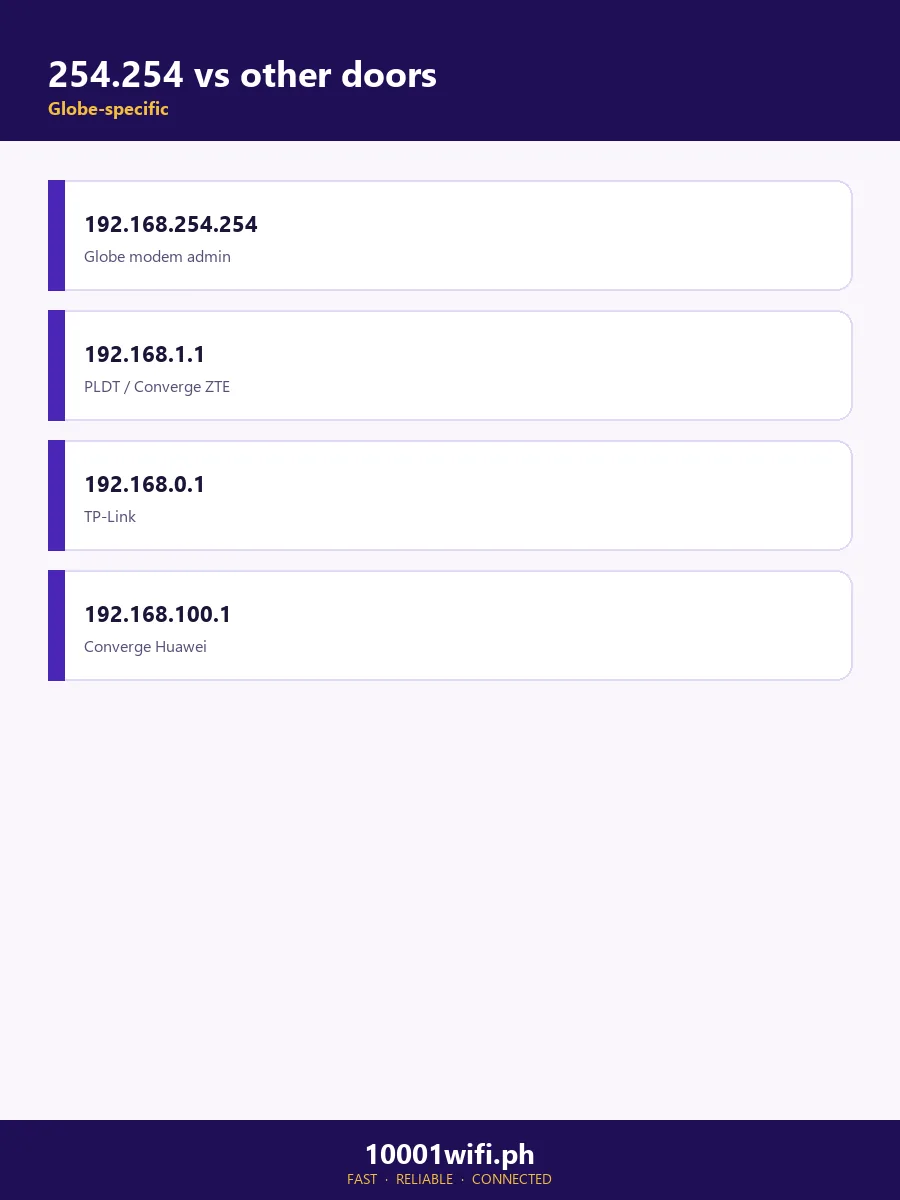
| Address | What it is | Go there when |
|---|---|---|
| 192.168.1.254 | A different address — the digit-order twin (BT/Plusnet gateways abroad) | Only if your sticker or gateway lookup literally says 1.254. In PH it is almost always a typo for this page’s address |
| 192.168.1.1 | PLDT modems, Converge ZTE | You’re on PLDT or Converge — the 1.1 hub |
| 192.168.100.1 | Converge Huawei modems | Converge subscriber on Huawei |
| 192.168.0.1 | TP-Link and retail routers | It’s your own add-on router — the 0.1 hub |
| 10.0.0.1 | ISP gateways abroad; PH Piso WiFi portals | Rarely a PH home door |
FAQs
What is 192.168.254.254?
A private IP address (RFC 1918 — it exists only inside home networks and has no owner or location on the public internet) that Globe At Home uses as the admin-panel door for its fiber and prepaid modems in the Philippines. Abroad, Actiontec gateways issued by Frontier, Windstream and Ziply Fiber use it too.
What is the Globe default login for 192.168.254.254?
Two levels. Basic: user / @l03e1t3 (on FiberHome units, user / tattoo@home) — enough for WiFi settings. Full admin is unit-specific: the sticker, or derived from the unit’s MAC address on many Huawei models. It is not admin/admin, whatever the global lists say.
192.168.254.254 or 192.168.1.254 — which is right?
For Globe: 192.168.254.254. The 1.254 form swaps the middle groups and lands on a different address entirely (used by some foreign ISP gateways). If you typed 1.254 from memory, you almost certainly meant this page’s address.
192.168.254.254 won’t open and my LOS light is red. Are they connected?
The red LOS light means the fiber line has no signal — an outside-line fault, not a login problem. The panel may still open on your home network, but no setting in it repairs the line. Report it to Globe (211, or (02) 7730-1000) and mention the LOS light; it tells their team where the fault is.
Is 192.268.254.254 or 192.169.254.254 a real address?
Neither opens a Globe modem. In 192.268.254.254 the group 268 is impossible — no group in an IPv4 address can exceed 255 — so it’s a typo for 192.168.254.254. And 192.169.x.x is public internet space, not a home-network range at all.
What is the subnet mask for 192.168.254.254 — and how many devices fit?
255.255.255.0 (a /24 network). Your devices take addresses 192.168.254.1 to 192.168.254.253, the modem keeps .254, and 192.168.254.255 is the broadcast address that no device can use. That’s 253 device addresses — more than any home needs.
Sources & Verification
Globe logins and paths are from this site’s Globe research (official Globe setup material and panel documentation for the admin login and WiFi password pages), corroborated in this page’s competitor set by PartitionWizard’s brand table (Globe — user / @l03e1t3). The private-range status is from the IANA record for 192.168.0.0/16. Actiontec deployment details from the manufacturers’/ISPs’ public documentation as summarised in the AI Overview and .mobi’s brand blocks. The ₱500 visit fee is owner-reported and labelled as such. No percentage or “most common login” claim on this page rests on another site’s say-so. Last reviewed: October 2026.